
No products
* Prices may vary depending on your country.
* An additional contribution can be added at the time of payment.
Product successfully added to your shopping cart
There are 0 items in your cart. There is 1 item in your cart.
Product successfully added to your shopping cart
There are 0 items in your cart. There is 1 item in your cart.
New products
-
Quick Object View
Open any Dolibarr record in a pop-up without leaving your page. One click on the eye next to a link: the record opens on top, close it and you are back where you were, same list, same filters. Works in lists, dashboard widgets, cards and linked objects, for 51 record types.
29.00 € -
Brief Project - project list overview
Brief project displays an overview of the projects' details directly in the list view, letting users see and compare informations without needing to click through each project individually.
80.00 €
Nomenclature and Workstation V4
c458d20210817115809
Detail the composition of your product and identify your different workstations ! This module allows you to specify a product useful elements for its manufacture, and it is possible to add workstations with the necessary preparation time and manufacturing.
|
|
More info...
|
|
 |

|
Publisher : ATM Consulting |
Compatibility : Dolibarr auto - auto |


This pack contains following modules :
- Nomenclature : V4
- Workstationatm : V2
- Abricot : V3
What the module does :
- Define the composition of a product
- Associate workstations and define the time required for each workstation
- Create workstations available in the company
- Assign user groups to workstations
- Define average hourly rates
- Define annex and unavailability times
IMPORTANT : To use Workstation module with the Nomenclature module, you must use the "Workstation" complementary module developed by ATM Consulting.
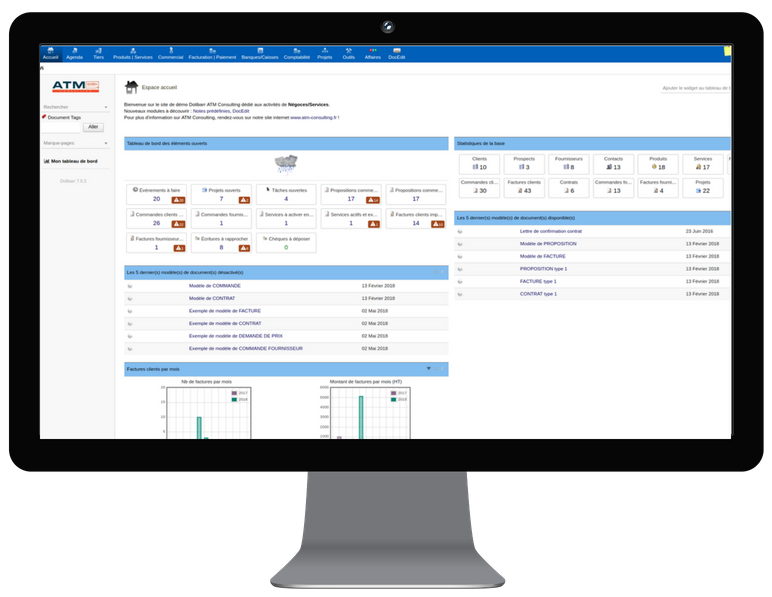
Indeed, there is also a native Dolibarr Workstation module which is not compatible with the ATM Nomenclature module in this pack. The following screenshots allow you to differentiate the two and activate the correct module.
|
DOCUMENTATION
|
TUTORIAL VIDEO
|
ONLINE DEMO
|

|
INCLUDED Access to module updates. Please note that the training and help with the installation are not included. |
UPDATES Corrective module updates will be published in the Dolistore.
|
CONTACT You need help? Your module has a functional issue ? |
 |
 |
 |
 |
 |
If you think this module is a fork of another one (published after the first one) or violates some terms or conditions of use (for users or vendors), you can make a report at dolistore@dolibarr.org